 Back to all articles



What Is the TSA Keyhole on Your Luggage Combination Lock
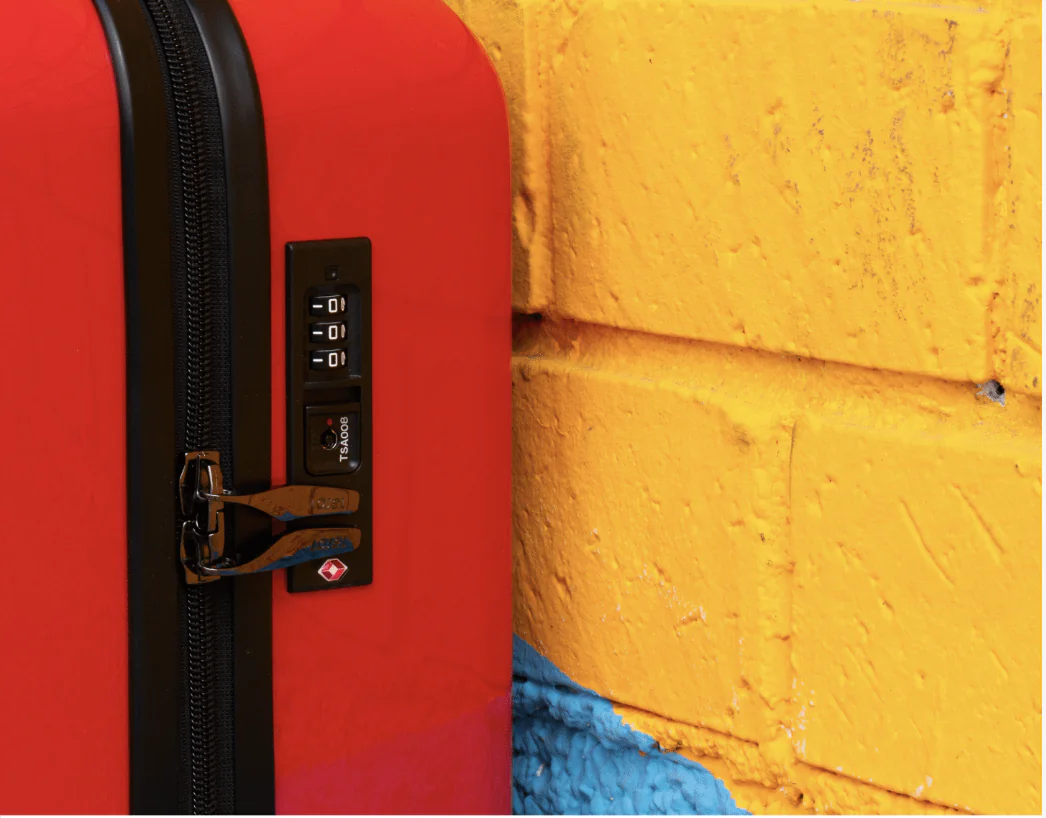
The keyhole on a Travel Sentry-approved combination lock is for airport security, not passengers. If your bag is selected for inspection, security agencies use approved secure tools to open it, inspect it, and relock it without damage. Travelers never receive a key and always use the combination dials.
So, if you’ve ever looked closely at your luggage lock, you’ve probably noticed a small keyhole next to the dials and you are wondering: “Where’s the key?”
The answer is simple: The keyhole on your TSA-accepted combination lock is not designed for passengers.
What the TSA Keyhole Is Actually For
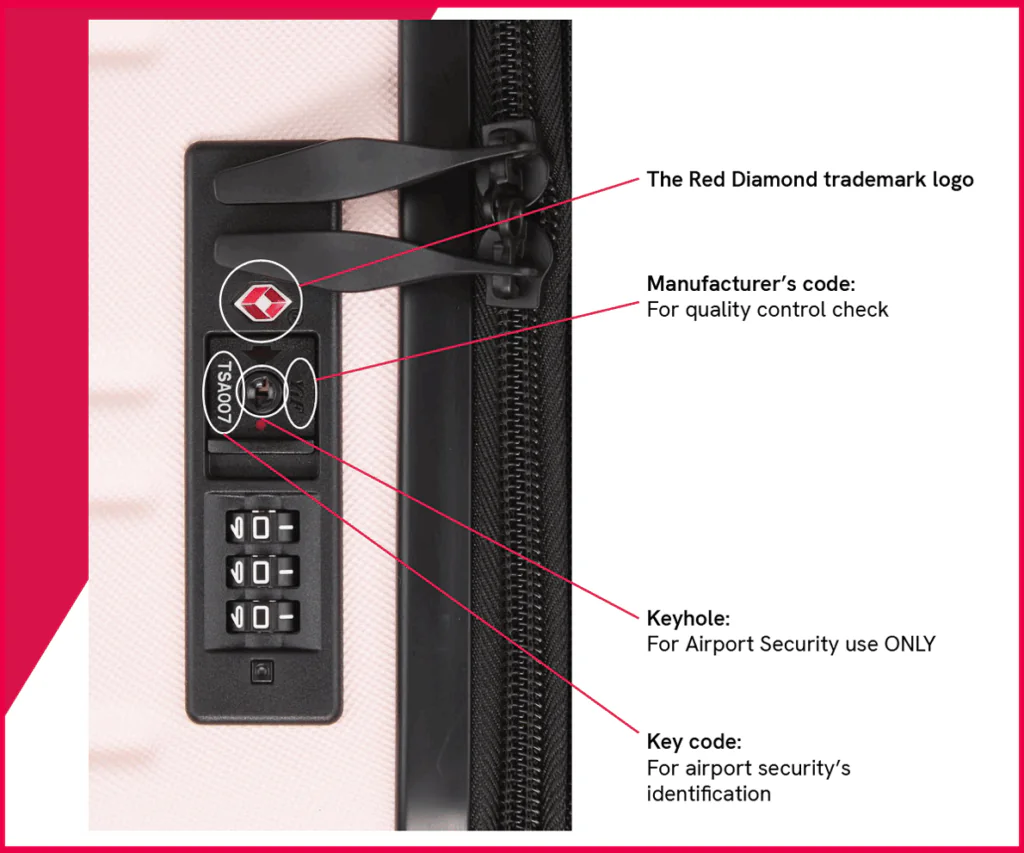
The keyhole is used by airport security agencies, such as the Transportation Security Administration (TSA).
If your bag is selected for inspection, officers may need to open it. With a TSA-accepted lock, they can:
- Open your luggage using approved secure tools
- Inspect the contents if required
- Relock your bag afterward, without damage
This is what makes TSA-accepted locks different from standard locks.
Why This Matters for Travelers
Before TSA-accepted locks existed, locked bags were often:
- Cut open
- Damaged during inspection
- Left unsecured after checks
Now, with Travel Sentry-approved locks:
- Your belongings stay protected
- Your luggage remains intact
- Security can still do their job
It’s a win for both travelers and airport authorities.
As a traveler, you’ll always use the combination dials on your lock.
That means:
- Setting your own personal code
- Opening and closing your bag using that code
- Resetting it when needed
If you forget your combination, you’ll need to recover it before resetting the lock—there’s no backup key for personal use.
How to Spot a TSA-Accepted Lock
Look for the Travel Sentry red diamond logo on your lock. This symbol tells you:
- Your lock is recognized by security agencies worldwide
- It can be opened safely using secure tools
- Your luggage lock won’t be damaged during inspection
That small keyhole on your luggage lock might look like a backup option, but it’s there for security, not for you.
Related Articles

November 2026
What Happens to Luggage After Check In
What happens to your hold luggage and why you should use a Travel Sentry approved lock.
Read More
November 2026
How to Keep Your Luggage Safe while Traveling
Tips on how to stay vigilant and keep your belongings safe when in the airport.
Read More
October 2026
Can You Bring Slime through Airport Security on a Plane?
Here's a quick guide to container limits, squishy toys and the flight home.
Read More


