 Back to all articles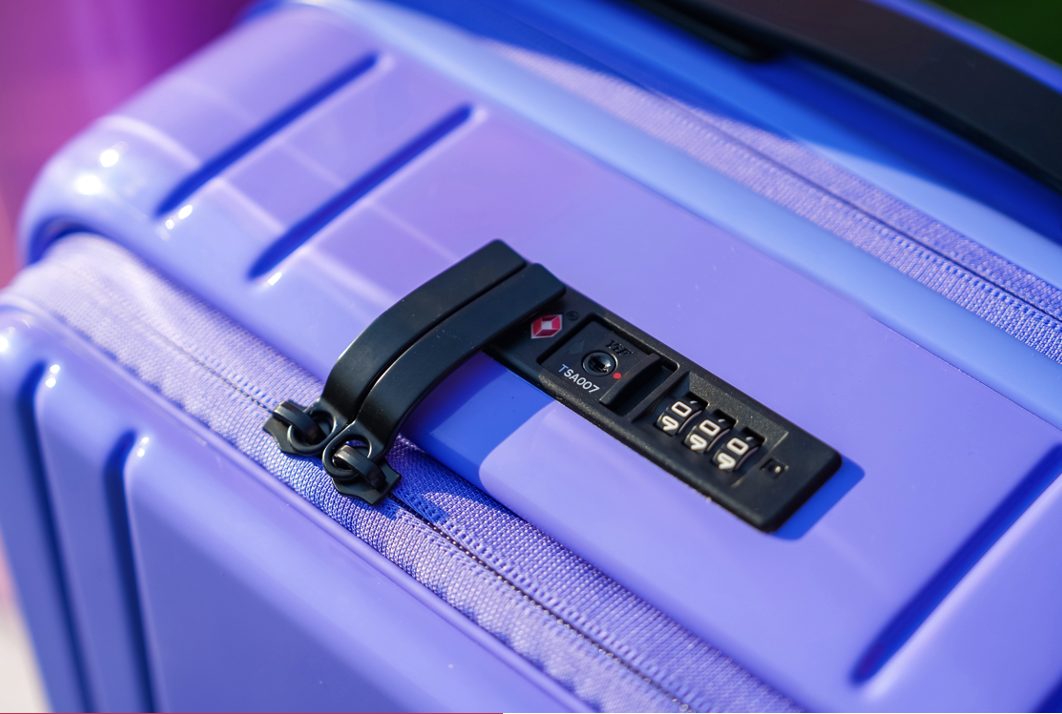



How to Register a TSA Lock or Luggage for Its Guarantee
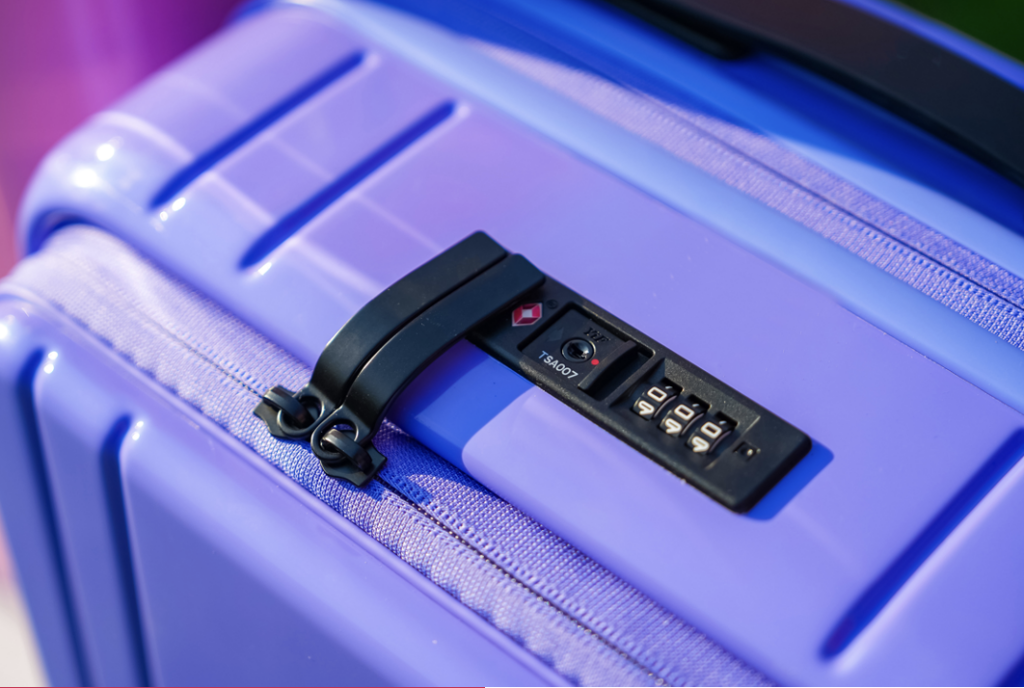
If you’ve recently bought a suitcase with a Travel Sentry approved lock, you may be asking: “Do I need to register my TSA lock warranty or luggage guarantee?”
It’s one of the most common questions travelers have and the answer can be confusing.
This guide explains how TSA lock warranties, luggage guarantees and suitcase registration actually work, so you know exactly what to do after your purchase.
Do You Need to Register a TSA Lock Warranty?
Let’s clear up a big misconception first: TSA locks cannot be registered to individual travelers in the way that a piece of luggage can, for example.
TSA-accepted locks are part of a global security system. They allow airport security to open, inspect and relock your luggage without damaging it.
But when it comes to a TSA lock warranty, there is:
- No central registration system
- No user database
- No ownership tracking
Instead, any warranty or guarantee is handled by the luggage brand, not Travel Sentry.
Need Help With Your TSA Lock or Luggage?
Still unsure about your TSA lock warranty or luggage guarantee?
Visit our Help Centre for step-by-step guides on:
Or contact us directly, we’re always here to help guide you in the right direction.
How Luggage Guarantees and Warranties Work
Your luggage guarantee depends entirely on the brand you purchase from. This is where “registering your suitcase warranty” may or may not apply.
Most brands offer:
- A limited warranty (e.g. 2–10 years)
- Coverage for manufacturing defects
- Repair or replacement policies
However, the top requirement is almost always the same: proof of purchase matters more than registration
In many cases, you don’t need to register your suitcase warranty for it to be valid. But some brands offer optional registration to make things easier.
What Travel Sentry Says About Warranty Registration
If you contact Travel Sentry directly, you’ll receive guidance like this:
Travel Sentry is not the manufacturer of locks and luggage. We create and manage standards which improve travel security in cooperation with government security agencies, airlines, airports and the travel goods industry.
Each brand has a different registration process.
Please contact the place of purchase or the brand’s distributor to check the details.
We’re Here to Help
We understand that warranty questions can be confusing and we’re always here to help point you in the right direction.
It’s not the TSA lock that uses a warranty – it’s the luggage itself.
TSA-accepted locks are part of a global security system, not individual consumer products with standalone registrations. That means:
- The lock doesn’t need to be registered
- The warranty applies to the piece of luggage as a whole
- Support and claims are handled by the brand or retailer
If you need help, the best next step is to contact:
- The luggage brand
- The retailer or place of purchase
How It Works in Practice: Brand Examples

Samsonite offers a global limited warranty (typically 2–10 years, depending on the product) covering manufacturing defects in materials and workmanship.
- Repairs or replacements are handled at Samsonite’s discretion
- Proof of purchase is required
- Warranty may involve authorized service centers
- Does not cover airline damage, misuse, or normal wear and tear
Registration may be available via My Samsonite, but it is not the primary requirement for claims.

IT Luggage provides a manufacturer’s warranty (often up to 10 years) on most suitcases.
- Covers faults or defects during the warranty period
- Requires proof of purchase and warranty hangtag
- May offer repair, replacement, or spare parts
Non-wheeled items (like backpacks) may have shorter warranty periods.

Away offers a limited lifetime warranty covering key functional components such as:
- Shell cracks or breaks
- Broken wheels, handles, or zippers
- Proof of purchase is required
- Covers manufacturing defects only
- Does not include cosmetic damage or normal wear and tear
Customers are encouraged to register their luggage, which can help streamline support, but registration is not a substitute for proof of purchase.

Osprey’s All Mighty Guarantee focuses on long-term product support.
- Lifetime repair or replacement for defects
- Applies to products bought from authorized retailers
- Typically requires proof of purchase
The emphasis is on durability and ongoing repair rather than formal registration.

Briggs & Riley offers a lifetime guarantee covering functional repairs.
- Covers damage, including some airline-related issues
- Repairs are handled through a global service network
- Focus is on keeping products in use long-term
- Does not cover cosmetic wear, loss, or theft
Registration is not required and support is handled directly through their repair system.
What You Should Do After Buying Luggage
Rather than investigating how to “register a TSA lock warranty,” take these practical steps instead:
1. Keep Your Purchase Receipt
This is essential for nearly all luggage warranty claims.
2. Check the Brand’s Warranty Policy
Search for your brand + “luggage guarantee” or “warranty” to understand:
- What’s covered
- What’s excluded
- How to claim
3. Register (If Offered)
If your brand offers suitcase registration, it’s worth doing.
4. Set and Store Your Lock Code
Your TSA lock doesn’t need registration but you do need to remember your combination. (See also: How to Set a TSA Lock)
5. Take Photos of Your Luggage
A quick photo of your suitcase and receipt can save time if you ever need support – that makes identifying make and model easier for anyone trying to help you troubleshoot.
What If Your TSA Lock Breaks?
If you’re dealing with a damaged lock, here’s what to know:
- Manufacturing issue?
This may be covered under your luggage warranty
- Damage during travel?
Some brands (like Briggs & Riley) cover this, but most don’t
- Normal wear and tear?
Usually not included in a standard luggage guarantee
In most cases, you’ll need to contact the brand directly, not Travel Sentry.
(You may also find helpful guidance in lock reset or troubleshooting guides.)
Key Takeaways
To summarize:
- TSA locks are not registered to individuals
- There is no universal TSA lock warranty system
- The warranty applies to the luggage, not the lock
- Your luggage guarantee comes from the brand
- Proof of purchase is usually more important than registration
FAQs
Do you need to register a TSA lock?
No. TSA locks cannot be registered to individuals, and there is no central TSA lock registration system.
How does a TSA lock warranty work?
A TSA lock warranty is provided by the luggage brand, not the TSA or Travel Sentry. Coverage depends on the manufacturer and usually requires proof of purchase.
Do I need to register my suitcase warranty?
In most cases, no. Your luggage guarantee is valid with proof of purchase, although some brands offer optional registration.
Who handles luggage guarantees?
Luggage guarantees are managed by the brand or manufacturer. Travel Sentry does not provide or manage warranties.
What should I do after buying luggage?
Keep your receipt, check the warranty policy, register your product if offered, set your lock combination and store your product details somewhere safe.
What happens if my TSA lock breaks?
Contact the luggage brand. Manufacturing defects may be covered under warranty, but wear and tear usually is not.
Related Articles

June 2026
How to Overcome the Fear of Flying
How to feel calmer in the air and enjoy the journey, not just the destination.
Read More
June 2026
The Travel Kit People Thought They’d Never Need, Until They Couldn’t Travel Without It
Don’t dismiss a travel accessory just because it looks unnecessary at first.
Read More
June 2026
What Happens When TSA Cuts Your Lock? (And How to Prevent It)
Using Travel Sentry-approved locks prevent damaging your lock.
Read More


